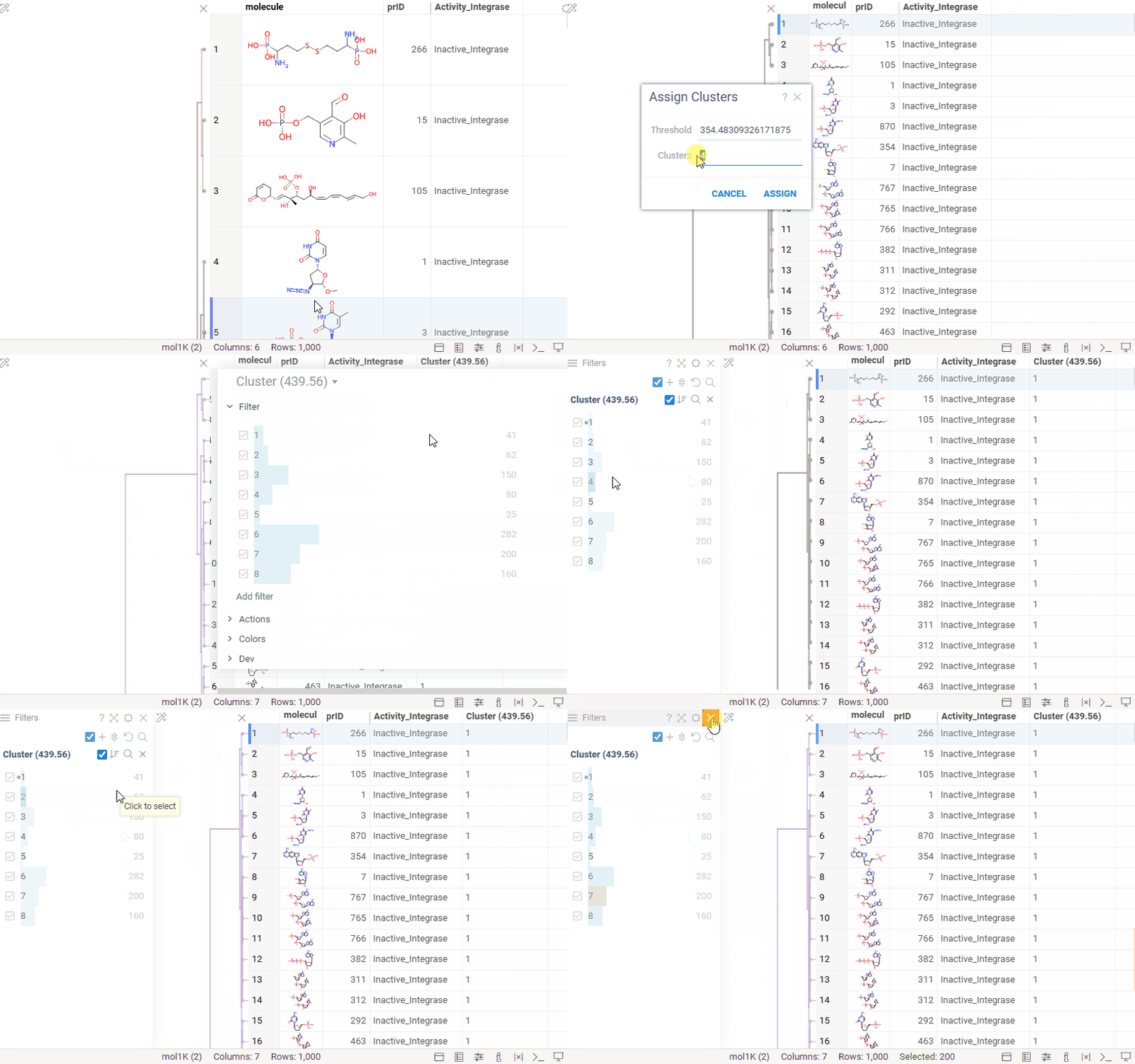
Hierarchical clustering: cluster assignment
You can now generate a cluster column directly from the dendrogram by specifying either a tree height threshold (measured from the root) or the desired number of clusters.
To assign clusters, right-click the dendrogram and select Assign Clusters, or use the Magic Wand icon in the top-left corner of the viewer. In the dialog that opens, specify a threshold or define the number of clusters. The two inputs are interconnected — changing one automatically recalculates the other. For example, if you set the number of clusters to 10, Datagrok will search for the optimal cut position that produces exactly (or as close as possible to) 10 clusters.
The resulting column is named Cluster(thresholdValue), ensuring that the clustering parameters used are preserved and visible in the table.